Lite and Pro
References on a task
Task references are the links stored on a kanban card: a Nexum note, a project resource, or a Unity object. They live in the ticket inspector.
They are separate from the [[wiki]] links inside a note, and separate from the task's linked Task Note.
Nexum Lite
3 references
The first three links on a task open. A fourth is refused, and extras already in the file stay locked.
Nexum Pro
Every reference
Every reference on a task opens. There is no count.
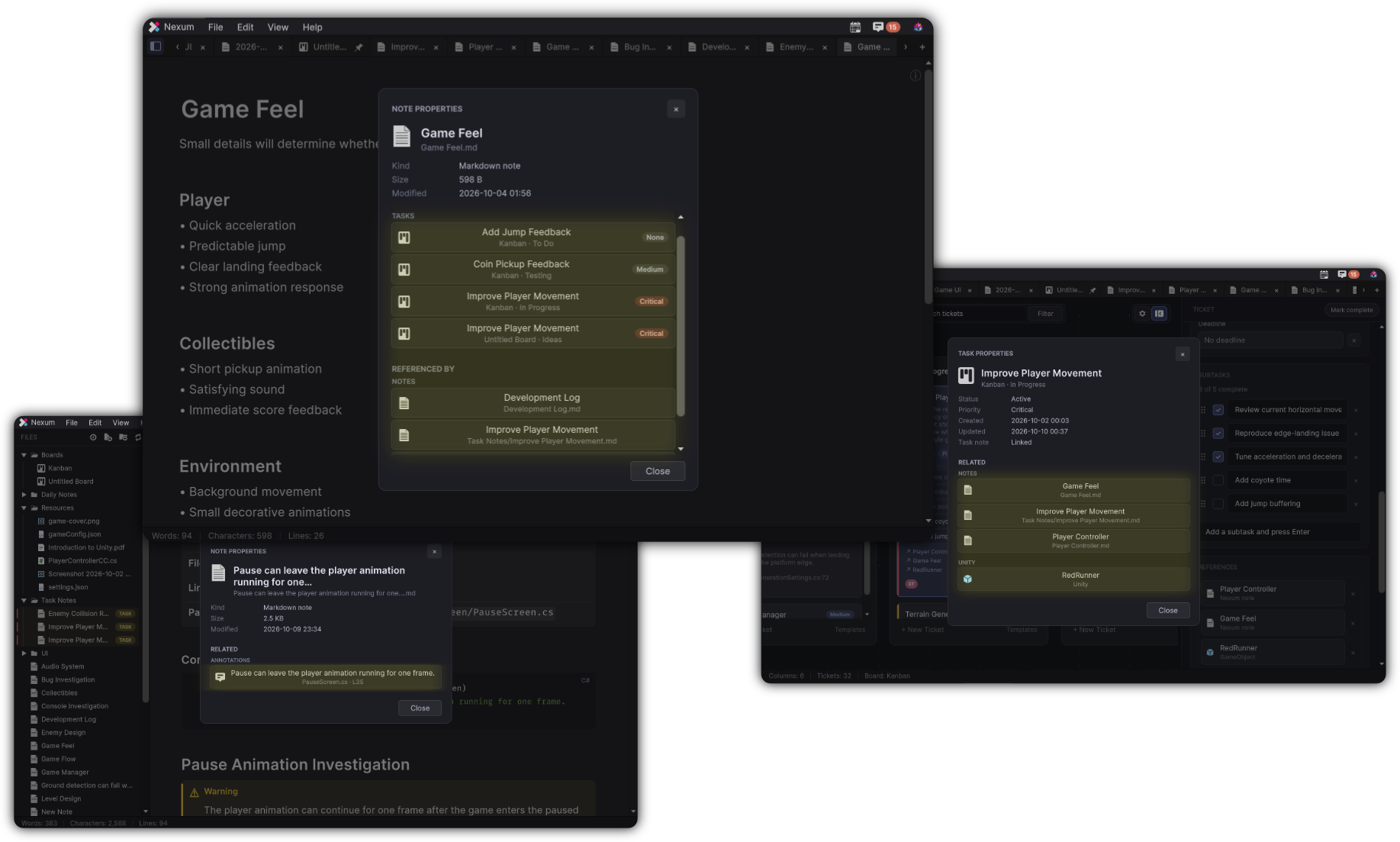
How Lite counts
- Lite opens the first 3 references on a task, in the order they are stored.
- Adding a fourth from the inspector, a menu, or a drop shows the edition window and does not add it.
- References already on the task, including ones added by editing the board file, stay in the file. Past the first 3, the row is marked locked. Choosing it shows the edition window and does not open the target.
- Removing a locked or working reference is still allowed, and the next one moves up.
- The linked Task Note does not use one of these three slots. Opening that note follows the Notes limit.
- On a task that is itself locked because the board is past five tasks, the whole ticket stays closed, including its first three references.
What stays the same
A duplicate of a target that is already linked does not add a second row. Search, the inspector layout, and the way a working reference opens the target are the same in both editions.
Where the inspector sits on a board: Kanban.
Related
-
Files on the card, with their own count of three.
-
A locked card stays closed, including its references.
-
Wiki links inside a note are a different count.