Workflows
These scenarios show how Nexum’s pieces work together in day-to-day Unity development. Adapt them. The point is the connection pattern, not a rigid process.
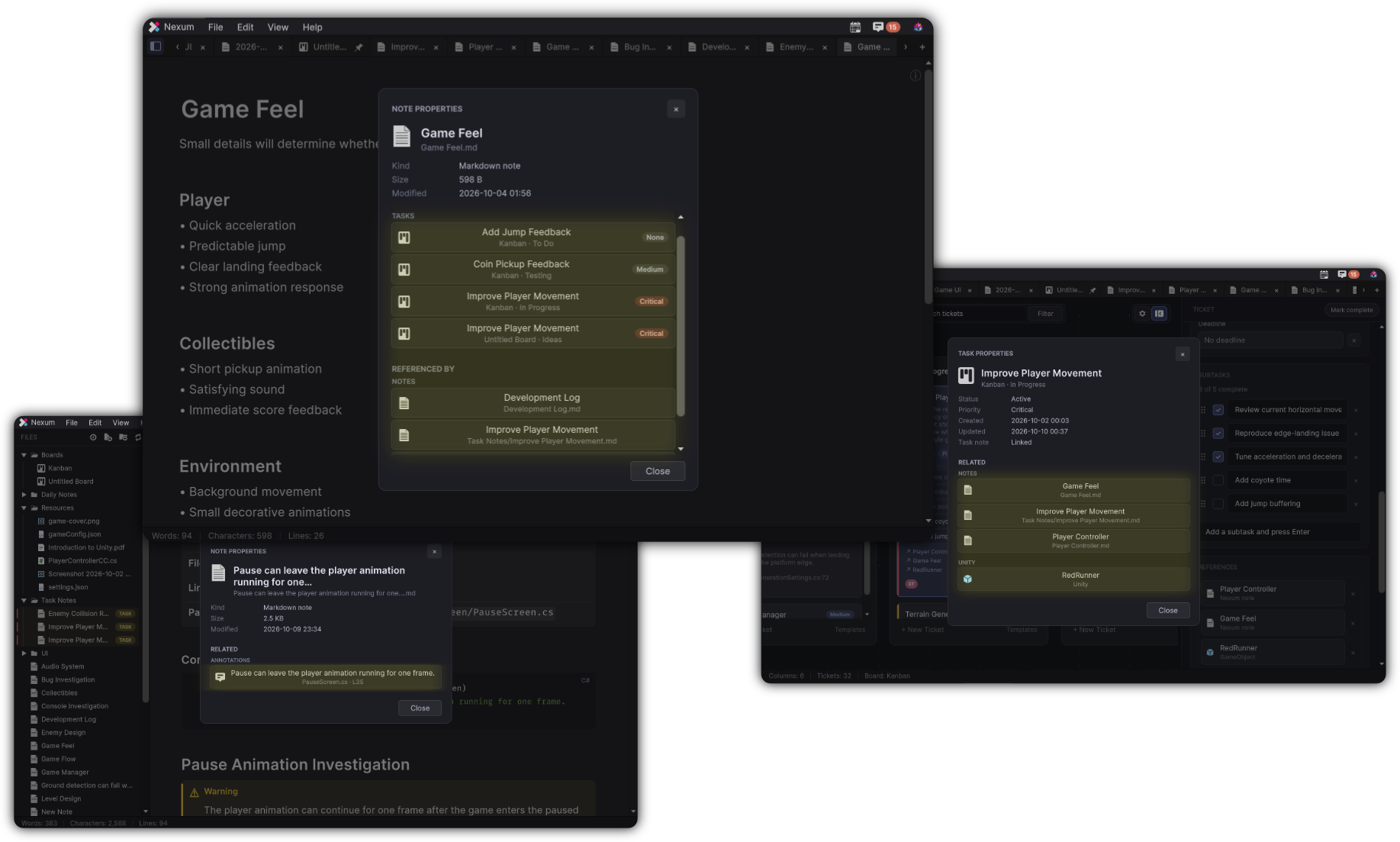
The product walkthrough runs the whole loop in one pass. One story looks like this: create a note such as Player Respawn Investigation, drop the Player Prefab onto it, capture a Console error into that note, create a Kanban ticket, link the note, and open the ticket on the board.
1. Investigation that becomes work
Situation: Respawn health looks wrong after a scene reload.
- File → New Note -
Player Respawn Investigation - Drag the Player Prefab into the note (embed or reference)
- Write findings with headings, task lists, and
==highlights== - Link related notes with
[[Health System]] - When you know the fix, open your board → New Ticket…
- Link the investigation note on the ticket; optionally Create Note for a Task Note
- Mark the ticket complete when shipped
Why it works
The Prefab, the write-up, and the ticket stay one graph away from each other.
2. Capture a Console failure
Situation: A NullReferenceException appears while playtesting.
- Select the Console rows
- Focus Console → Cmd+Shift+K / Ctrl+Shift+K → Capture Console
- Create Note or Create Task
- Add Unity context by drag-and-drop
- Continue the investigation under the capture block
Why it works
Stack traces stop living only in a scrolling Console.
3. Mine your own TODOs
Situation: You are cleaning the backlog before a milestone.
- Open Annotations
- Filter TODO / FIXME, state Unresolved
- Jump ↗ to review each site
- Create Task for anything that must ship
- Create Note when the item needs design writing first
Why it works
Comments become a triage inbox instead of archaeology.
4. Daily rhythm
Situation: You want a lightweight end-of-day record.
- Open Daily Notes → Open Today
- Fill Today’s Focus / Notes / Follow-ups (or your template)
- Wiki-link any note that should outlive today:
[[Inventory Redesign]] - Tomorrow, scan Follow-ups and promote items to tickets
Why it works
Chronological memory feeds durable notes and boards.
5. Asset-centric documentation
Situation: A complex Prefab needs explanation for future-you.
- Create a note named after the Prefab
- Embed the Prefab (
#advembed if you want the expanded widget) - Document components, expected scene setup, and pitfalls
- Link the note from tickets that touch that Prefab
- From Properties, confirm REFERENCED BY as other notes point here
Why it works
The asset and the documentation stay coupled.
6. Board as the planning surface
Situation: A feature needs several steps and owners.
- Create a Kanban board for the feature
- Use a template (Feature / Bug / Research / …) if it fits
- Drop reference assets onto the board to spawn contextual tickets
- Attach notes and Task Notes where depth is required
- Filter by Due Today / Overdue during standup-style passes
Why it works
Planning stays inside the same tool that holds the evidence.
7. Missing note discovery
Situation: You type [[Audio Mixer Notes]] before the page exists.
- Leave the ghost link in place
- Click it when ready - Nexum creates and opens the note
- Or place the caret on the link to see the create tip, then click
Why it works
Linking does not require ceremony up front.
Connection checklist
When you finish a session, ask:
- Did I attach the Unity object I actually touched?
- Is there a ticket if this is actionable?
- Should today’s Daily Note link to a durable note?
- Did Annotations or Console already know about this?
If yes, Nexum is doing its job.