Daily Notes
Daily Notes are dated Markdown notes for the work of a day - focus, discoveries, decisions, and follow-ups - without forcing every thought into a feature ticket.
Open from the menu bar Daily Notes control (calendar).
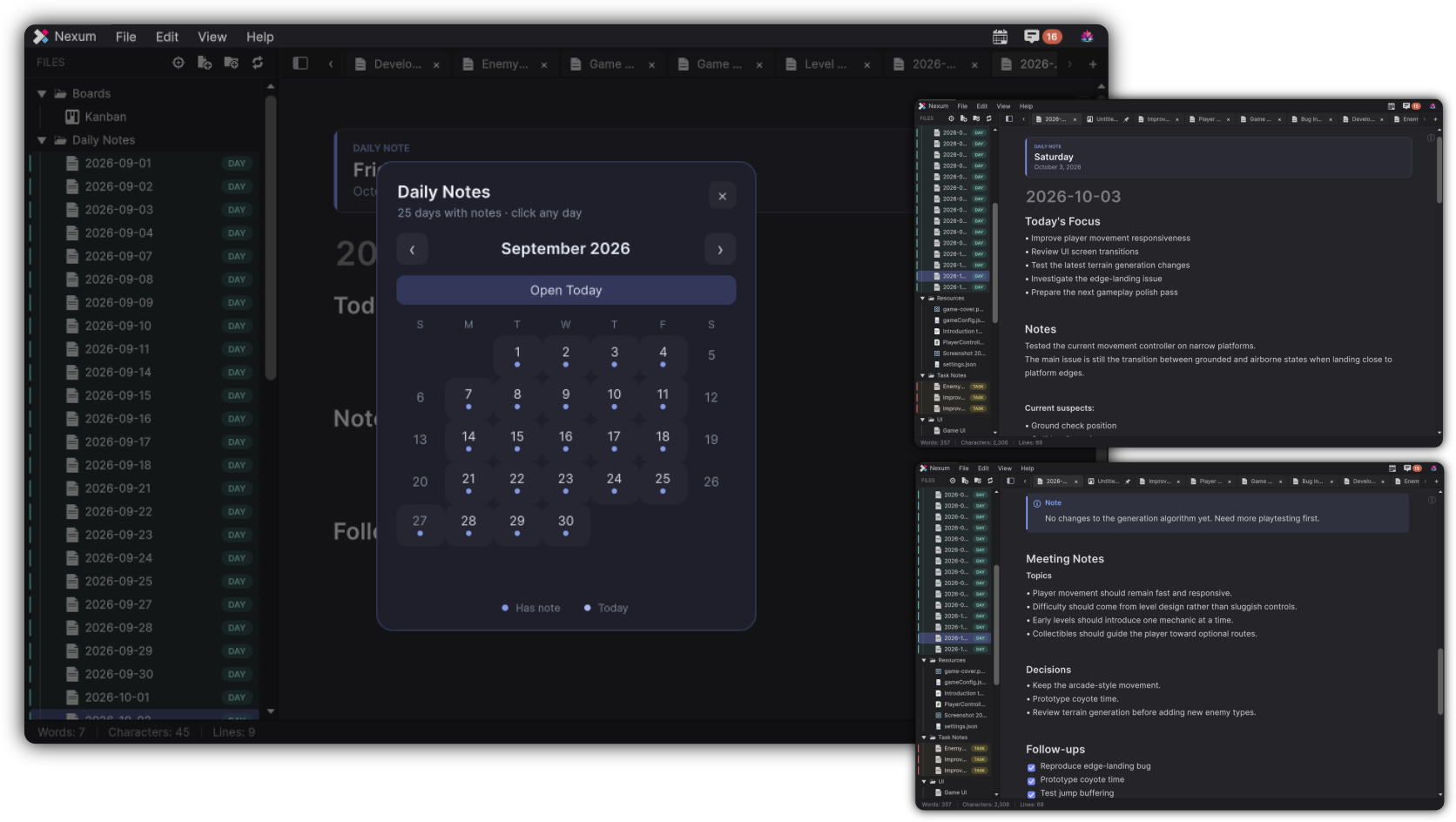
Daily Notes overlay
- Title: Daily Notes
- Hint: Select a day to open or create its note
- Open Today
- Month navigation
- Legend: Today
Clicking a day opens or creates that day’s note.
File format
- Filename:
yyyy-MM-dd.md - Includes Daily Note metadata so Nexum can recognize dated notes
- Explorer can show a DAY badge (unless Hide daily-note styling is on)
Template
New Daily Notes are seeded from Preferences → Notes → Daily Note template.
Default structure:
Tokens you can use in the template:
| Token | Meaning |
|---|---|
{{date}} |
Date |
{{weekday}} |
Weekday |
{{longdate}} |
Long date |
{{month}} |
Month |
{{year}} |
Year |
{{day}} |
Day |
Location
Preferences → Notes → Create Daily Notes in:
- Notes root
- Custom folder (relative path under the notes workspace; default suggestion Daily Notes)
Chrome
Open Daily Notes can show a DAILY NOTE strip with weekday and date.
How Daily Notes fit the system
Use Daily Notes for chronologically local memory. Promote anything durable into a regular note or a ticket: