Lite and Pro
Relations
Relations are the links Nexum can show between a note, a task, a Unity object, and the other documents that point at them. The relation view is how you see what a document is connected to, and what refers back to it.
Nexum Lite
No cap
The graph is not capped. Opening a locked note or board still shows the edition window.
Nexum Pro
Every target
Relations are included, and every target they point at can open.
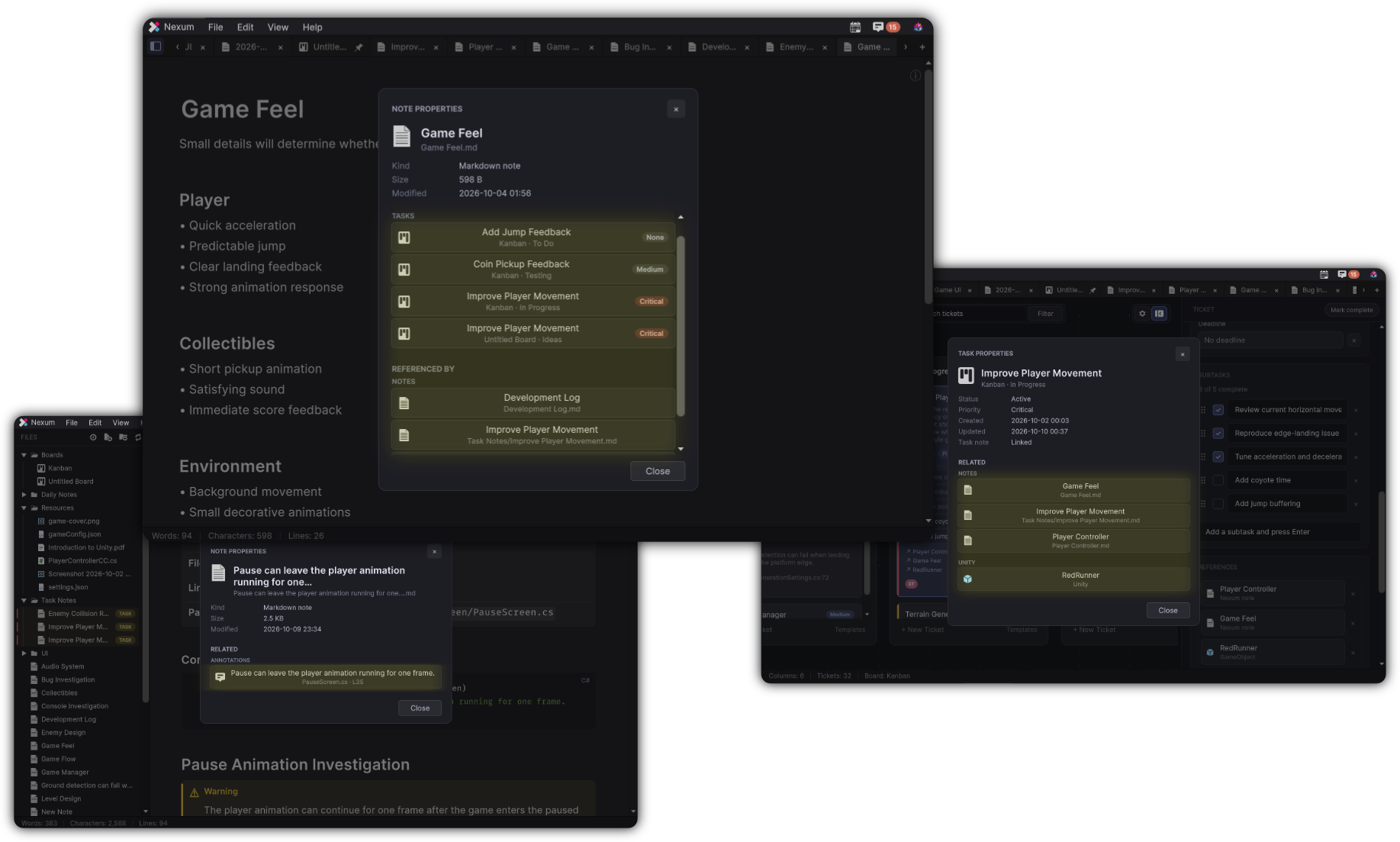
How Lite follows a link
- Opening a note or a board from the relation view still follows the other limits. A locked note opens the edition window. A locked board does the same.
- A working reference inside a note is what creates a link you can follow.
- A locked reference stays in the text and does not navigate.
What stays the same
Backlinks, the properties shown for an entity, and the way a working link is resolved are the same in both editions.
How Properties is organized: Properties & Relations.
Related
-
A locked note in the graph opens the edition window.
-
Only a working wiki link becomes a link you can follow.
-
The links stored on a card, with their own count of three.