Lite and Pro
Open tabs
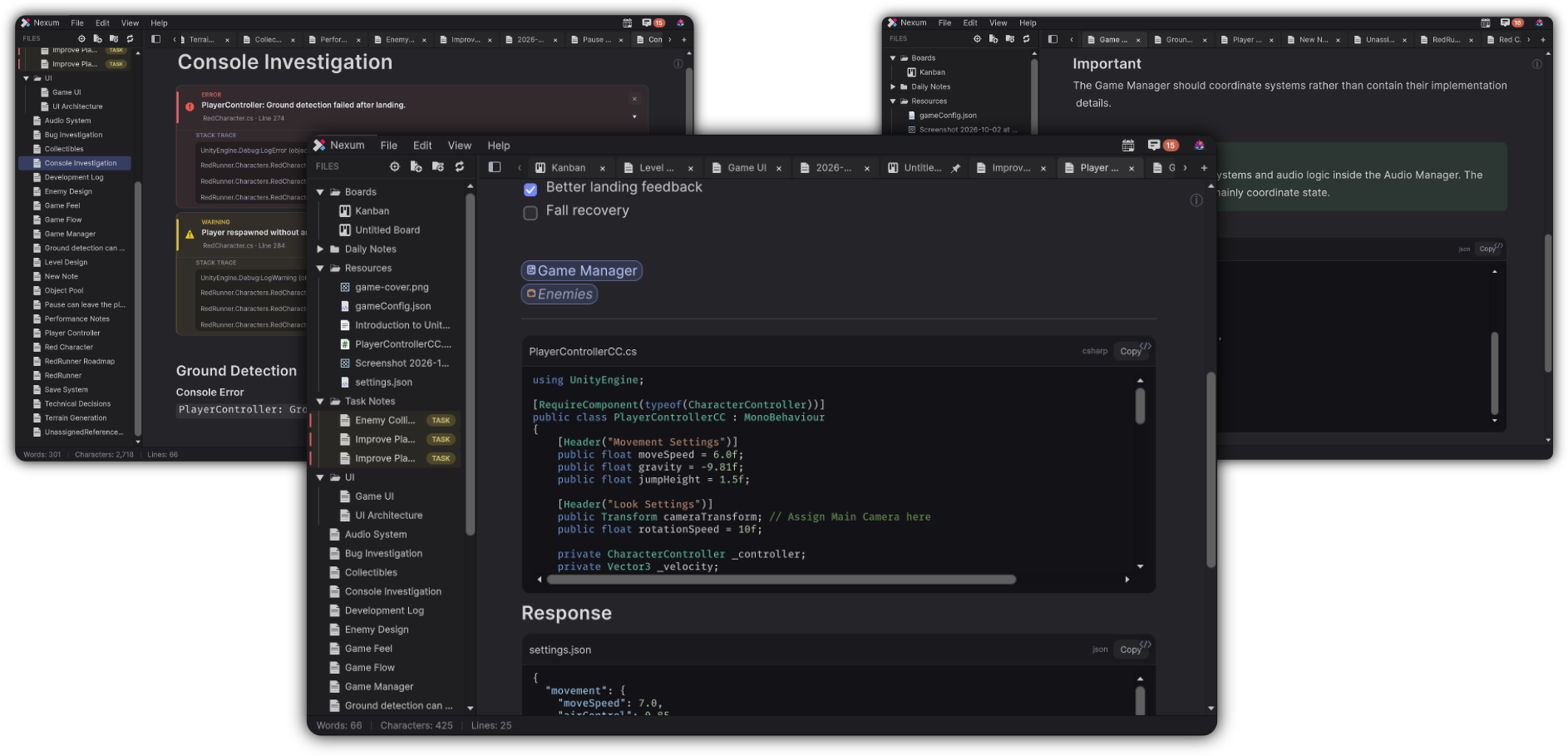
Tabs are the documents open across the top of the workspace. A tab can be a note, a board, or an unsaved scratch.
Nexum Lite
5 tabs
Five documents can stay open. Opening a sixth shows the edition window, and the file stays where it is.
Nexum Pro
Every tab
Every tab you open stays open. Restoring a session restores the full set.
How Lite counts
- Opening a document that is already open switches to that tab and does not use another slot.
- Opening something new once 5 tabs are open shows the edition window, and the file stays where it is.
- Replacing the active scratch tab with a saved document does not add a tab.
- Closing a tab frees a slot.
- A restored session keeps the active tab first, then tabs in their previous order, up to 5. The extra tabs are left closed. Nexum does not ask once per extra tab.
What stays the same
Pinning, saving, and switching among the tabs that are already open work the same in both editions. Closing a tab never deletes the file.
Where tabs sit in the window: The Workspace.