Lite and Pro
Columns and settings
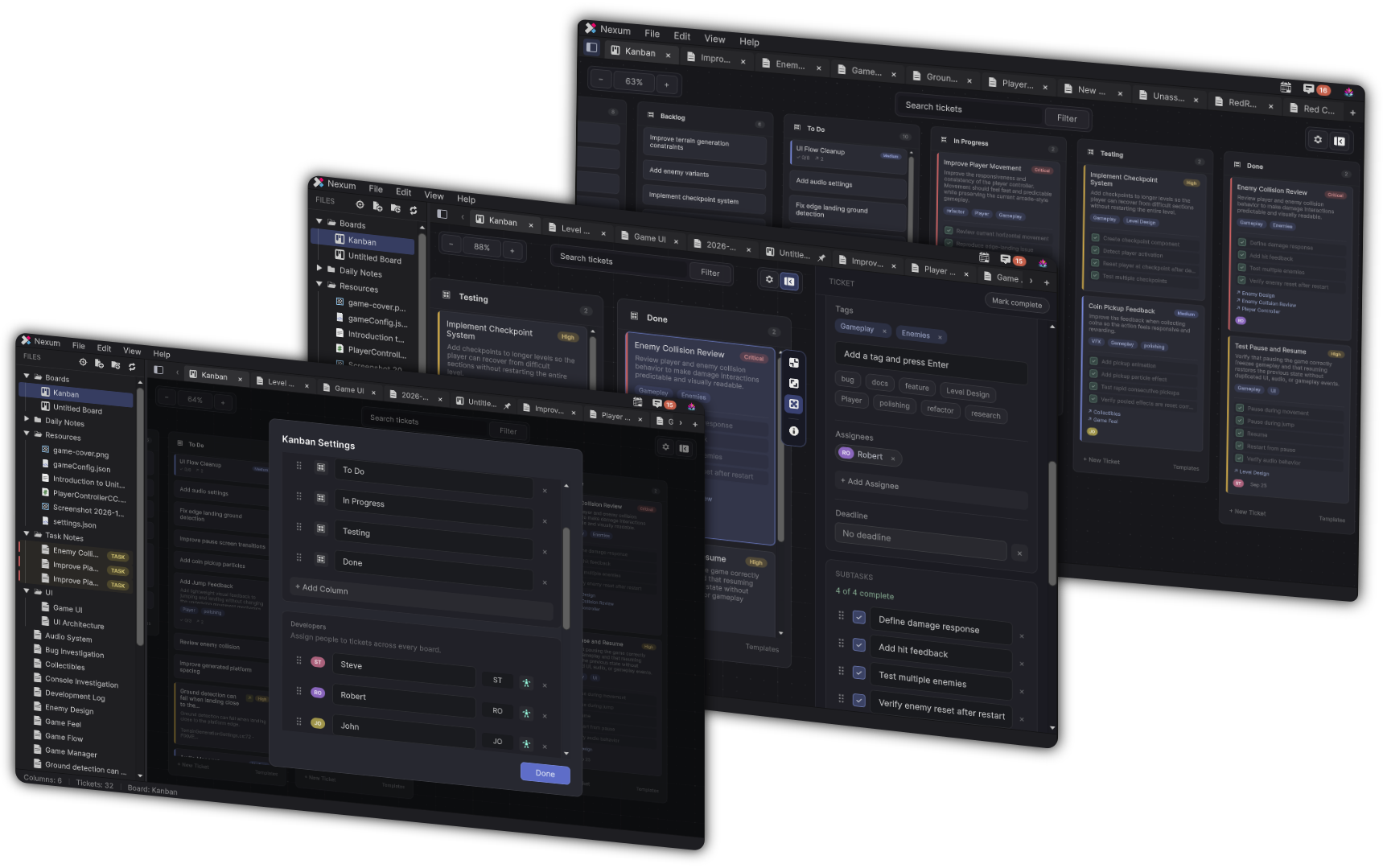
Columns are the lanes on a kanban board. Settings are the board controls around those lanes: names, icons, filters, zoom, density, priorities, templates, and the inspector.
Nexum Lite
No cap
Add, rename, reorder, and remove columns. Filters, zoom, density, and the inspector are included.
Nexum Pro
No cap
The same controls. There is no settings surface that exists only in Pro.
What Lite includes
- You can add, rename, reorder, and remove columns.
- Filters, search, zoom, card density, priority colors, and the ticket inspector work the same way they do in Pro.
- Subtasks, assignees, and deadlines on a live task are not counted.
The limits that do apply on a board are the board itself, described in Boards, and the tasks on it, described in Tasks on a board.
What stays the same
A locked task cannot be edited. That comes from the task limit, not from a limit on columns or settings. The settings of the board stay available either way.
Where these controls live: Kanban.
Related
-
Lite opens one board. Settings on that board are not capped.
-
The five live cards are the count. Columns are not.